Penpot Interaction Stripper
Penpot Interaction Stripper **Self-Initiated - **Penpot Plugins Contest 2024 Honorable Mention
Tasks: Design, Development
When designing complex web and mobile user interfaces, prototyping even a limited user flow in Penpot (Which is an open source Figma alternative) often leaves you with an intricate spiderweb of interactive wires. Usually, however, you don’t even need all the interactions and you want to duplicate the flow to a distinct user path
The problem, in Penpot, is that copied artboards inherit all of their original prototype paths. Suddenly, your clean workspace is buried in a visual “noodle soup” of superfluous interactions pointing back to the wrong screens or triggering unwanted modal overlays.
I built Interaction Stripper to give product designers a fast, surgical way to clear out the noise without having to manually rebuild their flows.
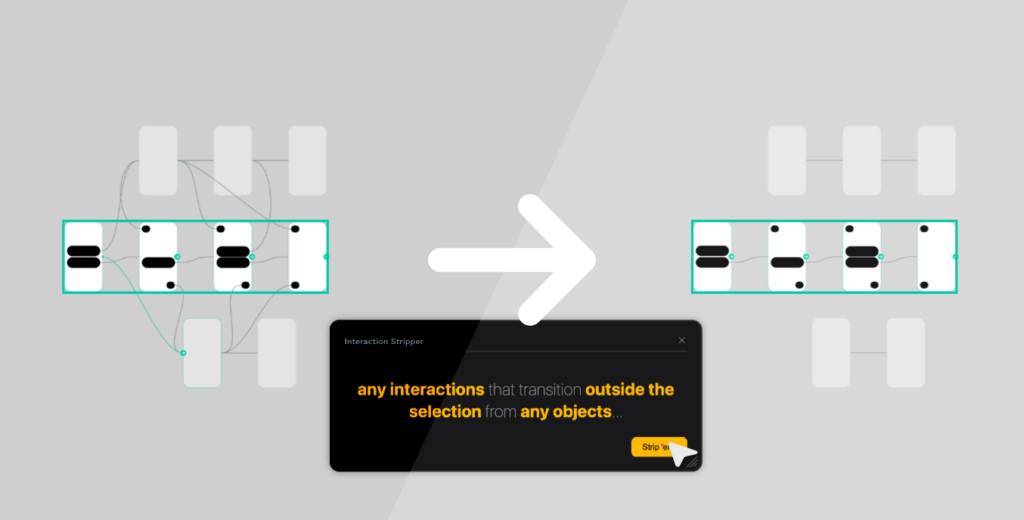
User friendly and designed to size
A generic “delete all interactions” button would be an un-versatile blunt instrument. The plugin needed to allow the user to filter types of interaction wires before stripping them out.
This led to two problems that needed to be solved:
- How do I present a plethora of filtering options without overwhelming the user.
- How do I fit it all in a statically sized Penpot plugin panel such that it won’t look empty or weirdly laid out as content changes, or require scrolling.
To handle these, I experimented with a few different UX approaches that stepped users through groups of options one at a time. Visible below…
Reducing Cognitive Load
After testing, I decided that the previous designs all lacked simplicity. They hide options away and allowed the user to step backward, but the functionality wasn’t self-evident.
Instead, I shifted to a single sentence describing the action the user was about to take. Allowing the user to modify the sentence to produce the result they desired.
This approach is more restrictive for what can be done. It prevents the user from stripping multiple types of interaction wires at once, which was a conscious choice to lower cognitive load. The functionality is not lost, however, as the user can always run the action a second time with a different set of parameters.
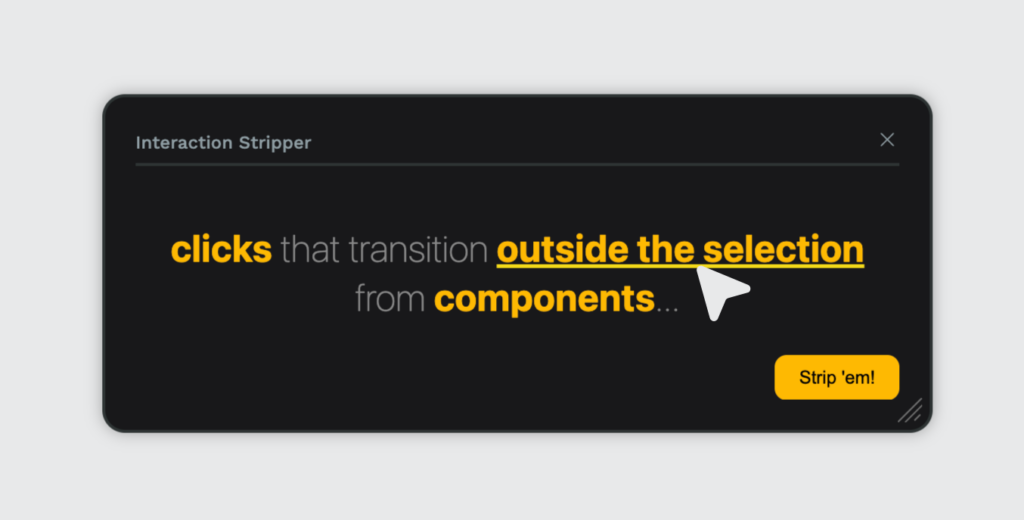
Packaging a Lightweight Open-Source Utility
I engineered the plugin as a lightweight client-side plugin hosted entirely on Netlify. It interfaces cleanly with the web-based Penpot API, reading canvas selection vectors and updating document layer schemas on the fly.
Built out in the open and released under the copyleft AGPL 3.0 license, the project was recognized as an award winner in Penpot’s official plugin ecosystem rollout.
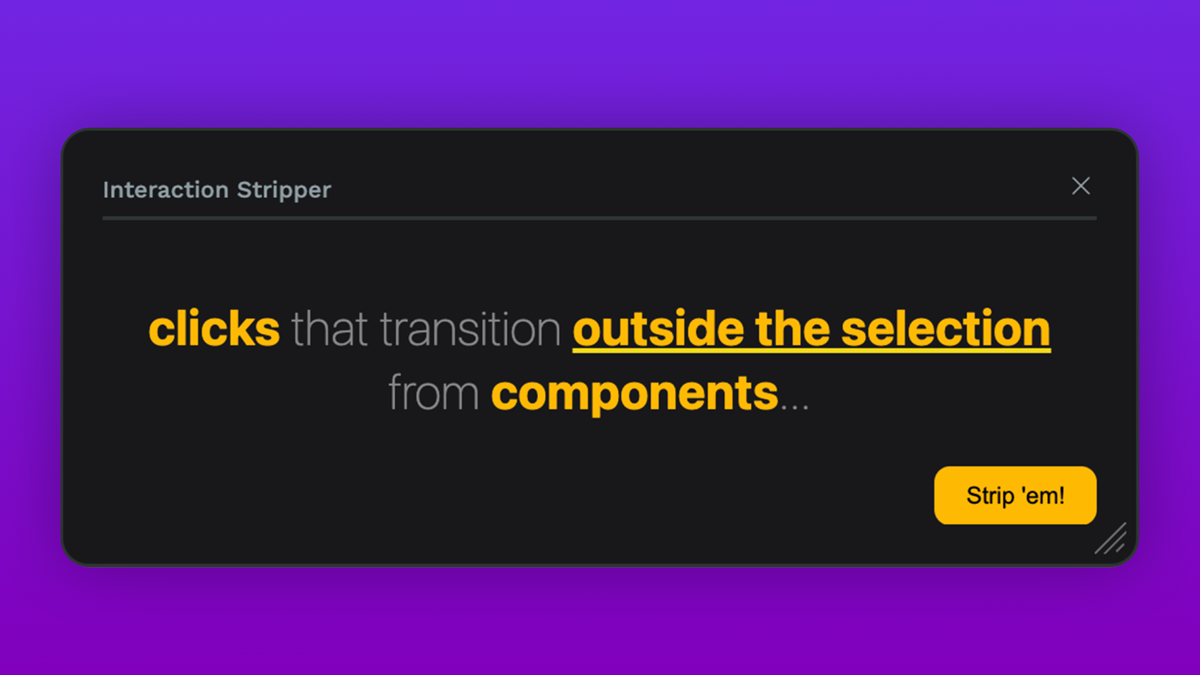
penpot Opensource plugin UI/UX user experience Interface
My original project can be seen here on GitHub.