Obsidian Project Browser
Obsidian Project Browser Self-Initiated
Tasks: Design, Development Tech Stack: TypeScript, SCSS, JavaScript, Obsidian API
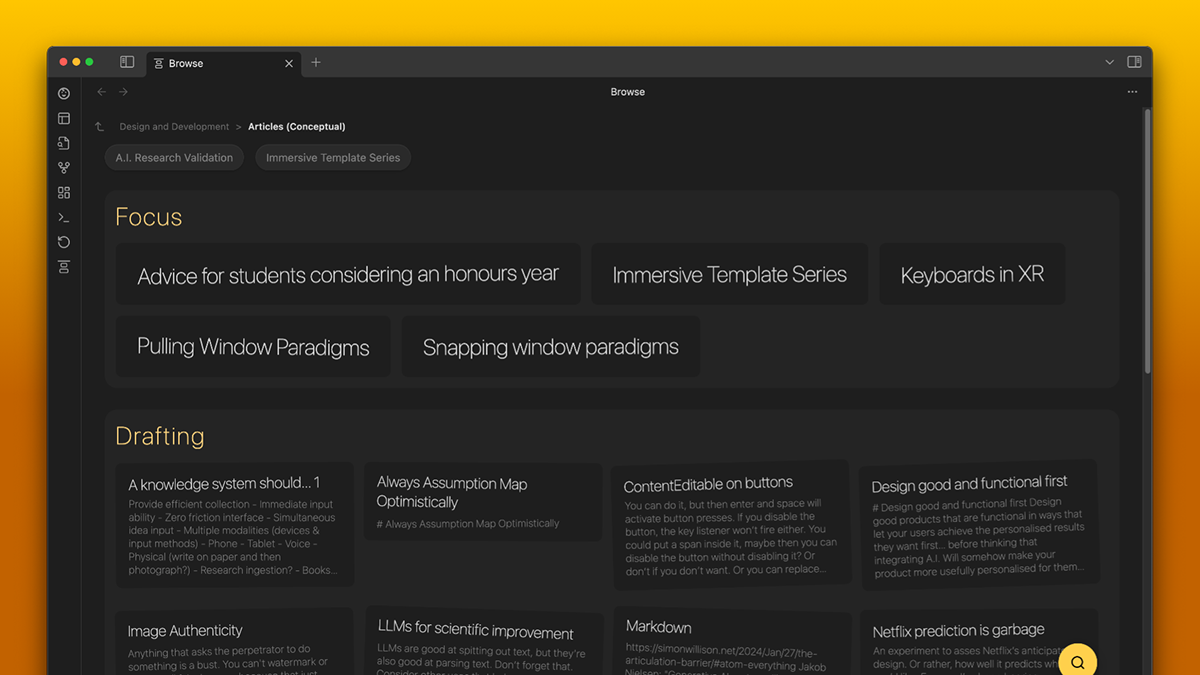
Most Obsidian users focus on atomic notes for personal knowledge management, but my workflow centers on long-form blogging. I therefore found the traditional sidebar file tree in Obsidian created unnecessary friction by forcing users to navigate dense, static hierarchies. And starting a new thought quickly in the right space proved cumbersome and detrimental to capturing my ideas quickly.
Inspired by the mobile drill-down experience of OneNote on mobile, I wanted a way to iteratively dive into active documents with full screen focus. And so I took it upon myself to build this in the open ecosystem of Markdown in Obsidian.
obsidian plugin app design addons
Varied view modes
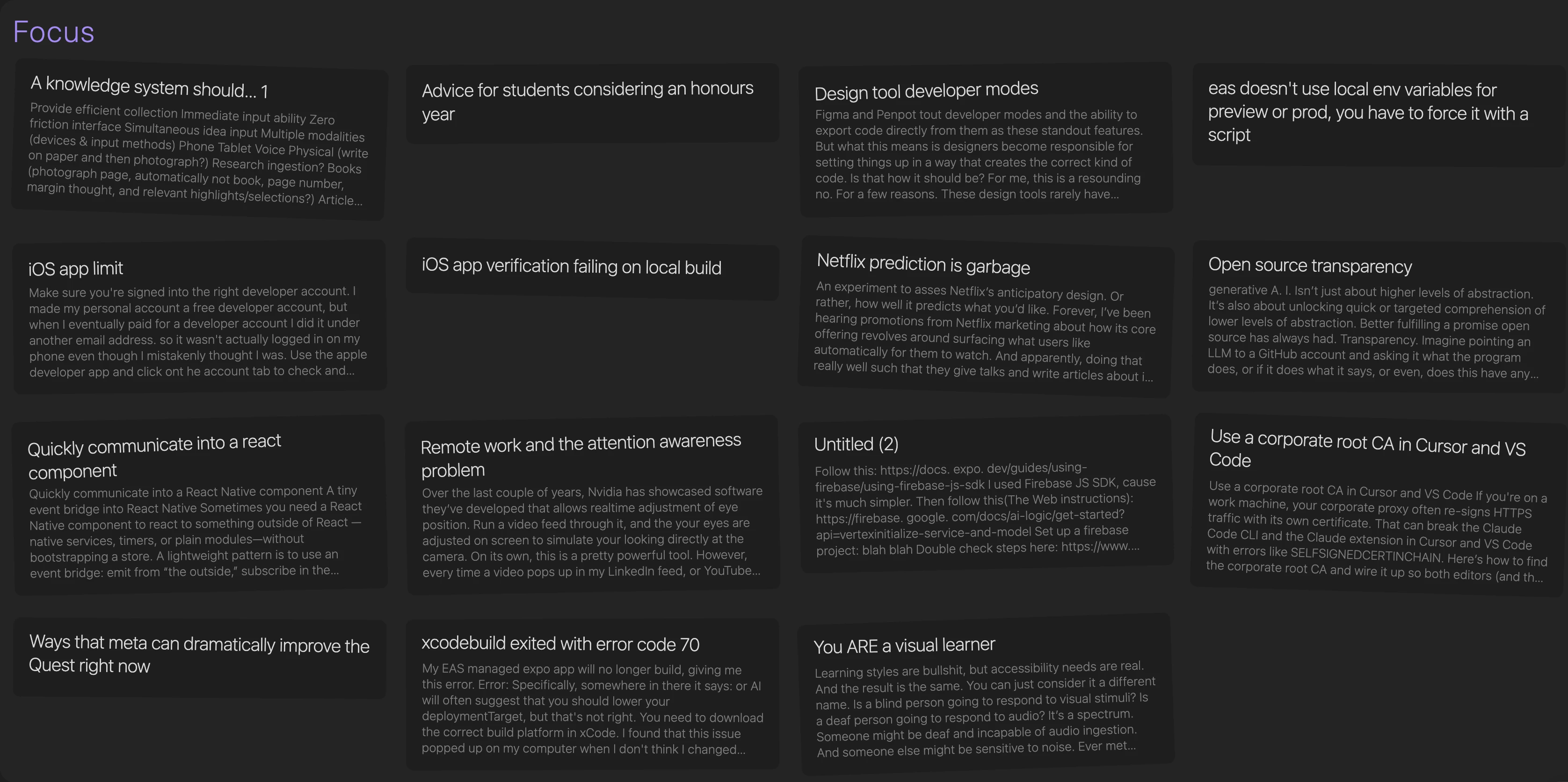
The Project Browser fills the page with cards of different shapes and sizes, sitting in different states and state groups according to what working state you’ve gotten them to. In each state group, you can change the view mode so that your most frequently worked on files might be viewed as large, while another state might be viewed as larger cards with a little more context in them.
Instant filtering with zero overhead
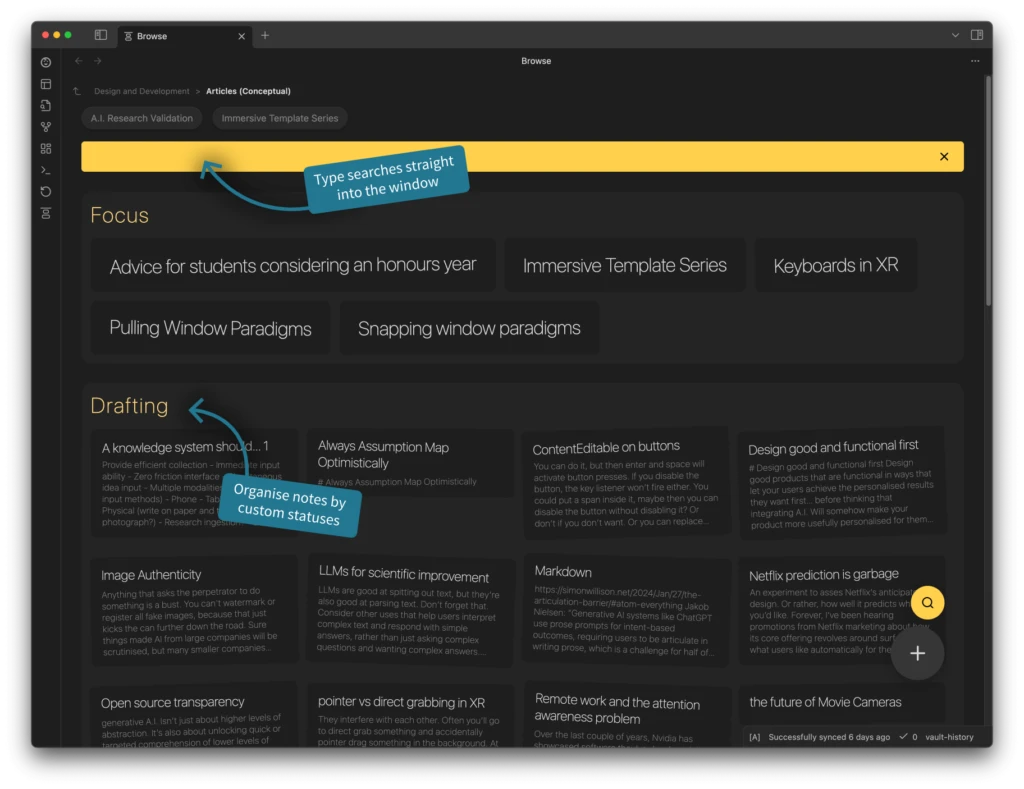
Taking inspiration from MEXP, a Winamp plugin from many, many years ago, I integrated a search that required no focusing of a search field. Simply start typing on the keyboard and the page will start filtering.
obsidian plugin app design addons
User-Friendly customisation
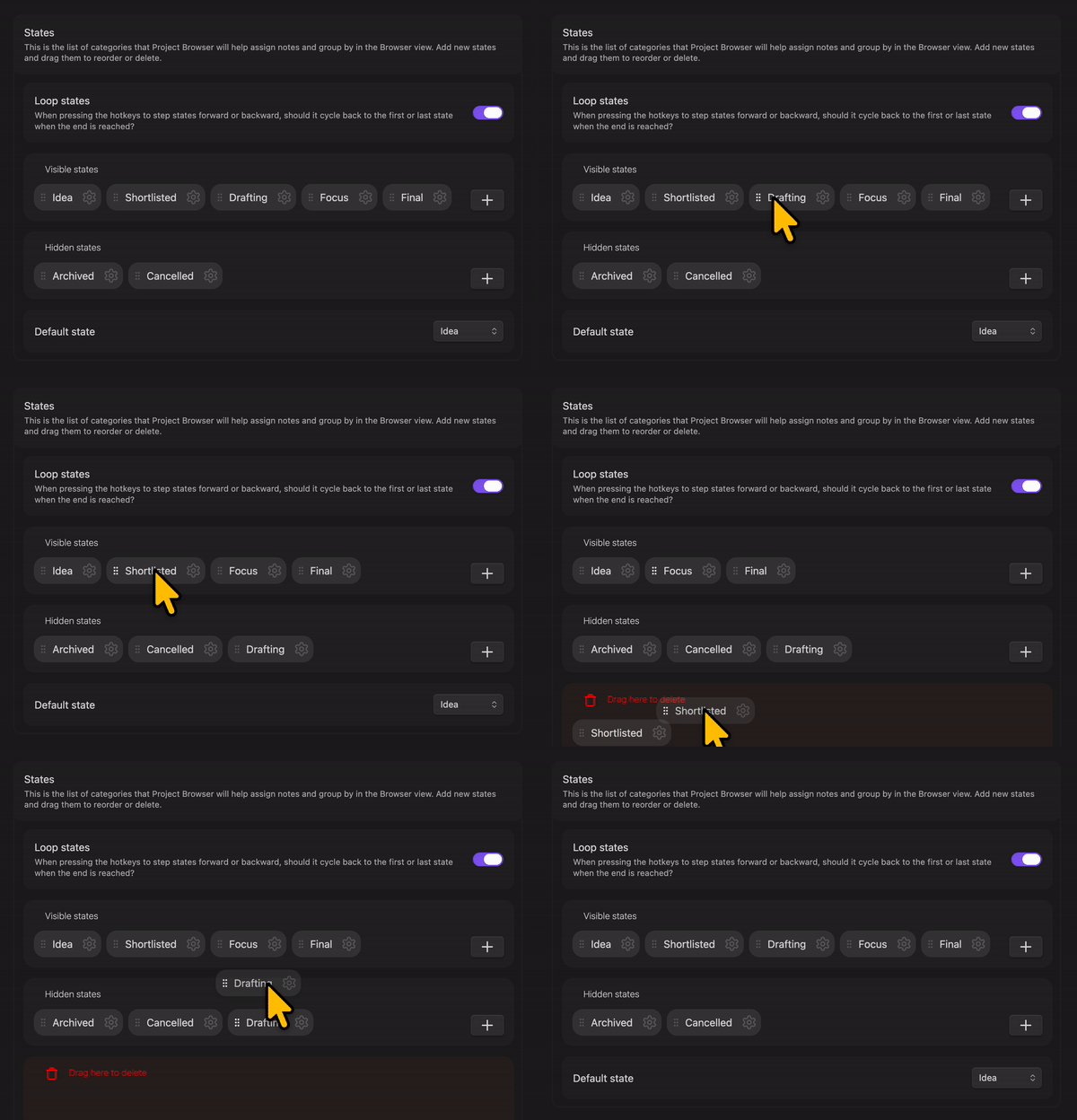
Bucking Obsidian’s trend of complex text-based interfaces, I integrated drag and drop functionality to add and edit states in the plugin, as well as to defined which file types would be visible in a given view.
Multi-Page Markdown
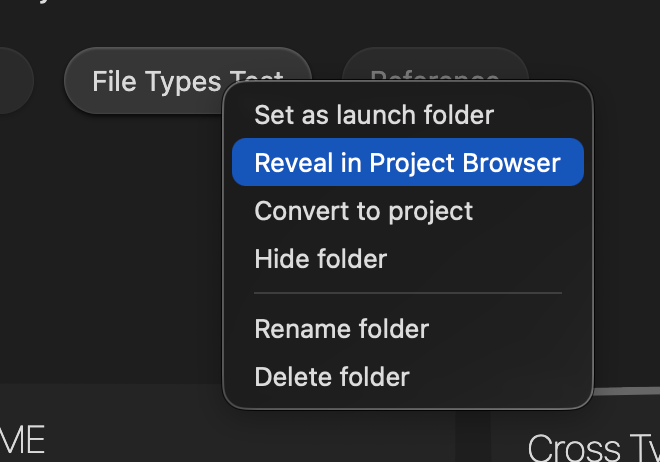
In early 2025, I implemented a multi-page view to support projects requiring more than just standard folder grouping. By using a simple metadata file, I enabled folders to appear in the main view like any other notes. This created a unified workspace where users could manage, rename, and reorder pages through a custom menu, masking the underlying Markdown folder structure to provide a more cohesive editing experience.
Onboarding Notifications
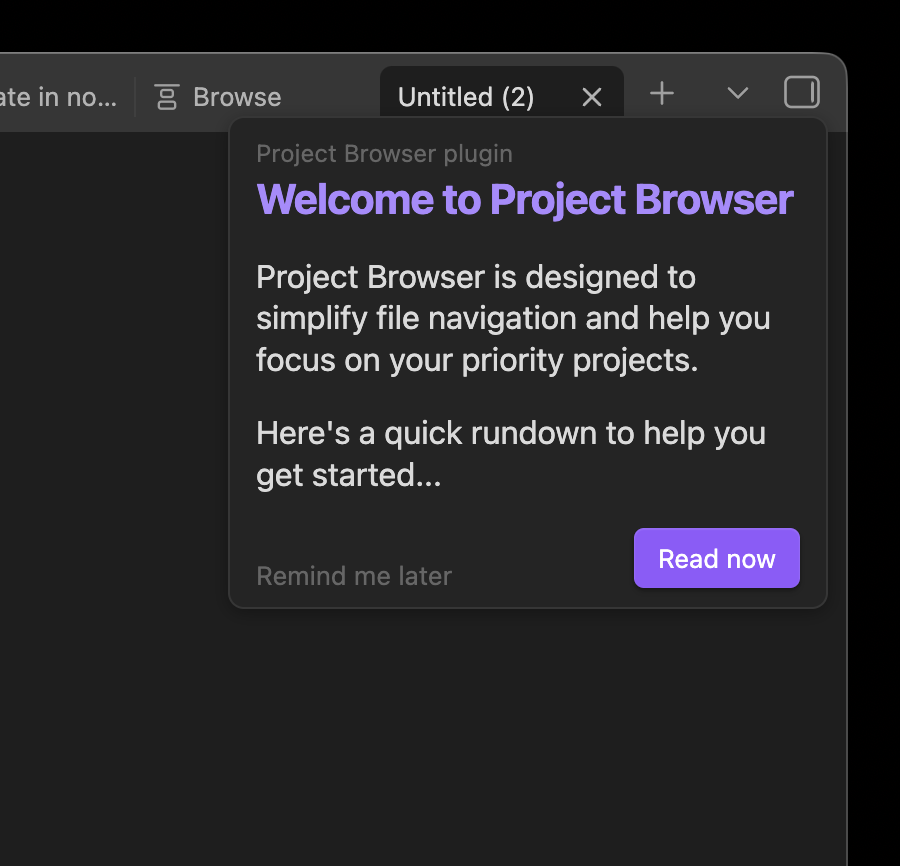
I take pride in all of my Obsidian plugins offering enhanced usability, user experience, and avoiding the habits of Obsidian tailoring to advanced and technical users.
This means integrating carefully designed onboarding flows for my products that give you a snippet of what is possible and easily get out of your way.
Building in Public
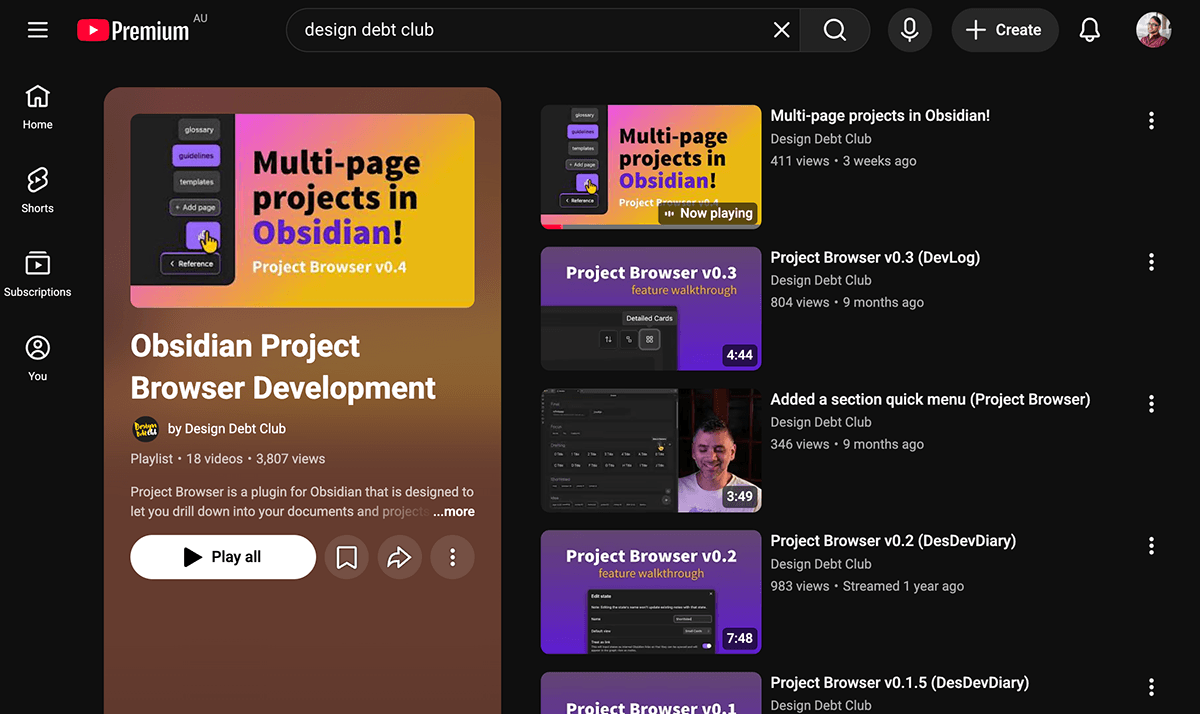
As with most of my plugins, I regularly post to devlogs to YouTube for this project.
Development Diaries on YouTube
Regression testing & QA
To move forward with confidence, I configured automated end-to-end tests in a dedicated vault alongside standard unit tests using Jest. This allows me to safely mock complex filesystem states, verify responsive SCSS cards, and resolve edge cases before releasing updates to the community.
My original project can be seen here on GitHub.