Obsidian Ink
Obsidian Ink Self-Initiated
Tasks: Design, Development Frameworks: Obsidian, CodeMirror 6, tlDraw, Perfect Freehand
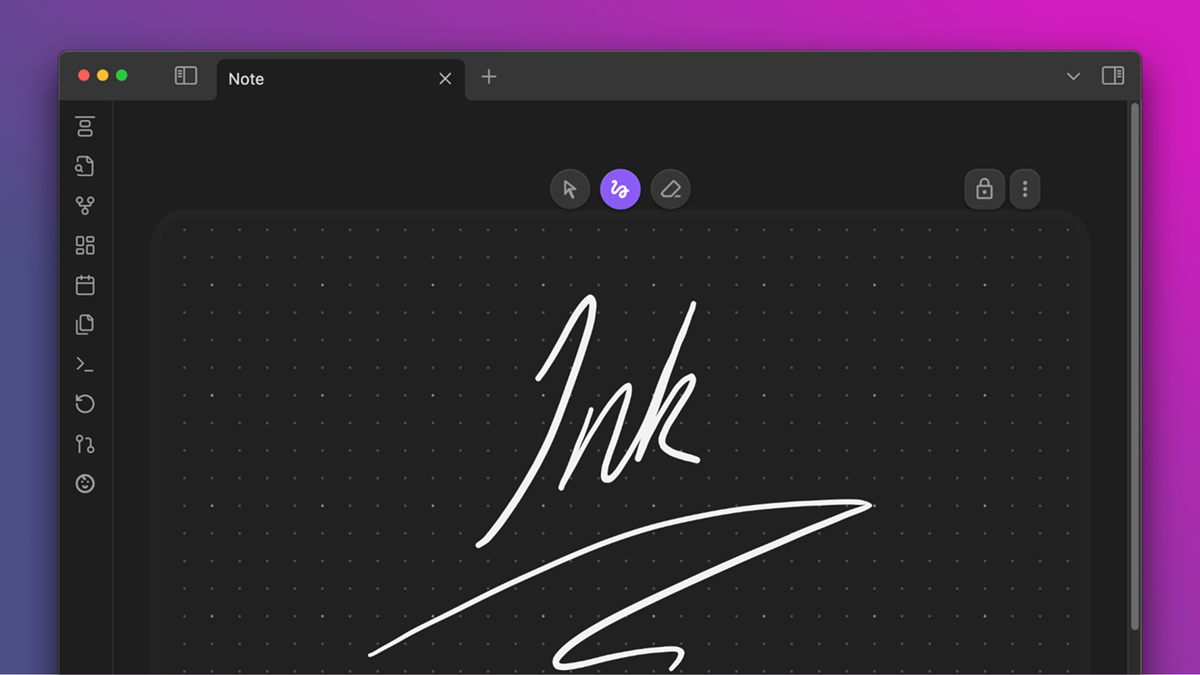
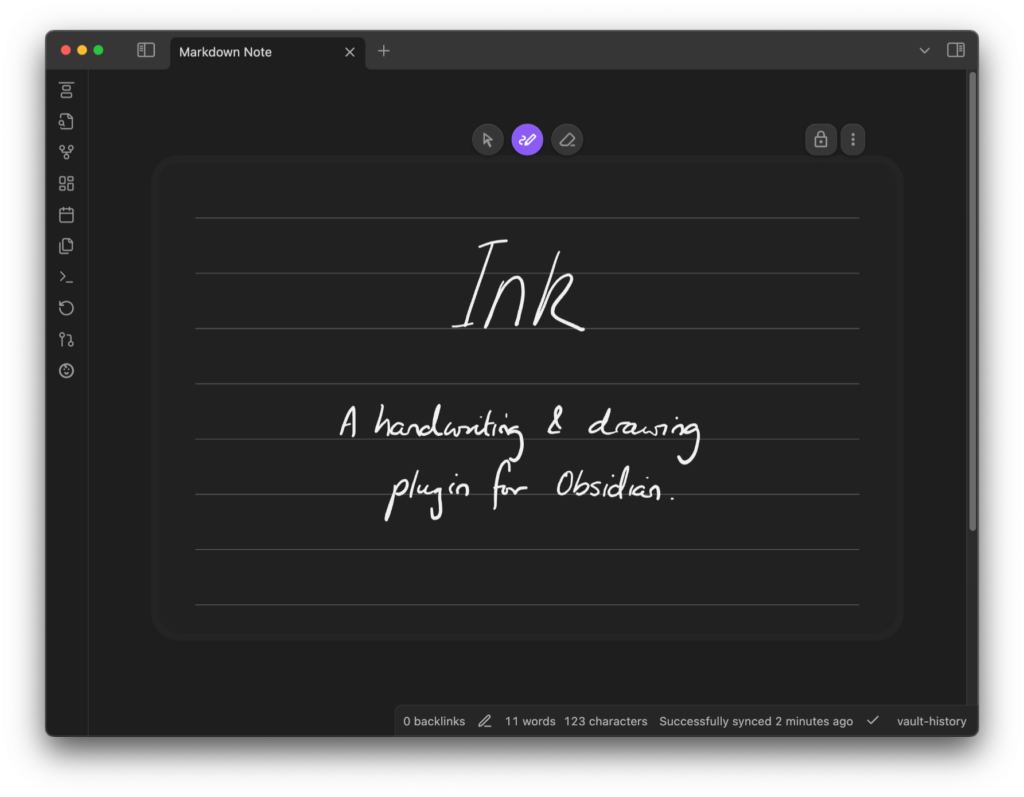
Ink is an inline handwriting and sketching plugin for Obsidian designed to solve a specific workflow friction: mixing working in typed text and with a digital stylus. It allows users to interleave dynamically expanding handwriting blocks directly between paragraphs in standard Markdown notes—without forcing them into standalone canvas files or external note applications.
The project was built in TypeScript using Obsidian’s API, leveraging custom canvas rendering layers to ensure flat data longevity and performance across desktop, tablet, and mobile platforms.
software UI/UX Mobile app
Deep Core Integrations
Designing an input system tucked quietly inside an ecosystem built on flat text required deep architectural adjustments:
Unified Undo Stack: TLDraw and Obsidian maintain separate undo histories, which often leads to user error—like accidentally deleting an entire embed when attempting to undo a small drawing stroke. To solve this, I built a helper that unifies these stacks into a single chronological timeline. Now, Cmd + Z seamlessly reverts edits across the Markdown file and all Ink embeds in the exact order they were made, regardless of where the cursor is focused.
Universal format: Each Ink embed in Obsidian links to an external SVG file that can be reused across multiple notes. These files contain metadata for editability within Ink, yet function as standard SVGs in any other viewer, or even if the user deletes the plugin.
Multi-embed, multi-camera: The SVGs include camera metadata that controls the viewbox, allowing multiple embeds of the same file to display different zoomed-in areas. Edits to the source file live-update all instances simultaneously.
Intuitive controls: Optimized for stylus use, the plugin disables touch input within embeds so you can scroll notes with your fingers while writing instantly with a pen. Embeds automatically resize to fit content, dynamically reflowing surrounding text. For left-handed users, a dedicated setting flips the interface for ergonomic button placement.
Theme-Aware: SVGs include metadata that allows embeds to automatically adapt to light and dark themes. This theme-awareness also ensures drawings correctly flip to black-on-white when exporting to PDF.
Background File-Naming Typography
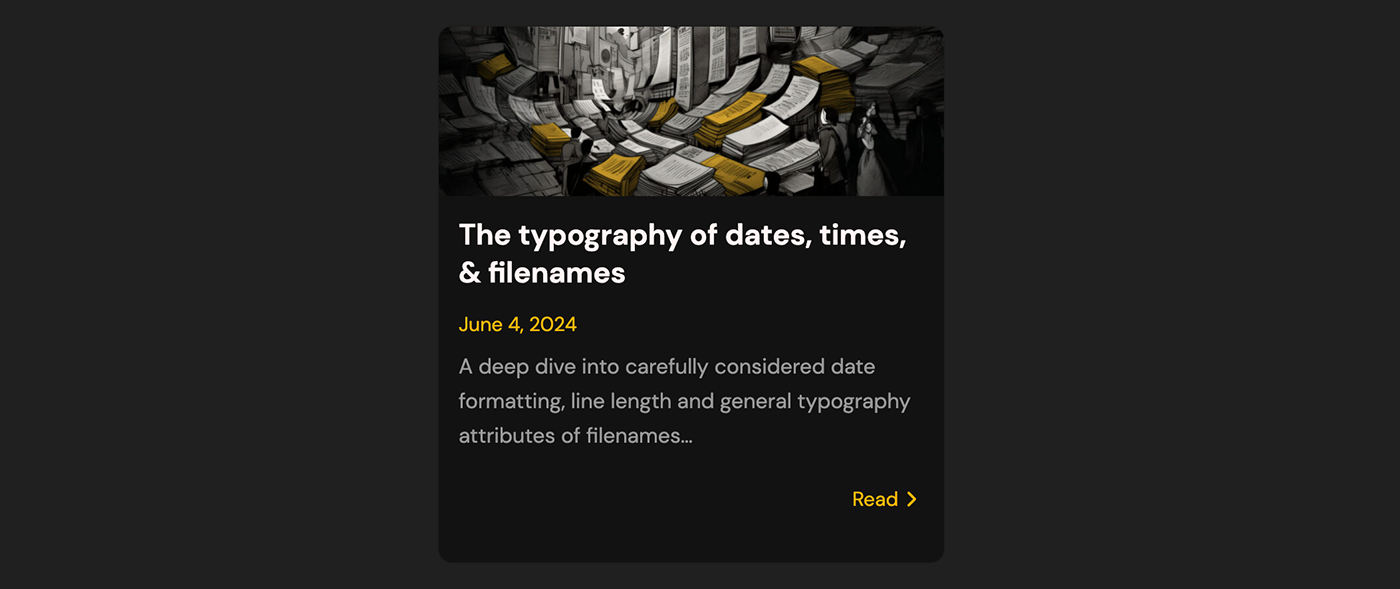
To preserve creative flow, Ink auto-creates drawing files in the background using a robust, automated naming convention. While standard YYYY-MM-DD formats are logical for ordering, long sequences of integers can cause “number fatigue” and lack of delineation when scanning quickly.
To improve scannability, I added alphabetic am/pm markers to the 24-hour time syntax. This suffix acts as a visual anchor between date and time, reducing cognitive friction while maintaining chronological sorting. I also removed leading zeros from days and months; the resulting misalignment prevents uniform blocks of text, creating visual clumps that make dates easier to identify and scan quickly.
I wrote an article about it below, linked below.
Archiecture Migration
Originally designed around tldraw’s canvas framework, I had to jump through a few hoops to get certain functionality working well. Transitioning from tldraw allowed me to strip unnecessary infrastructure and rebuild using the Perfect Freehand engine and a custom viewport. This streamlined architecture provides better control over file formats and performance while enabling future upgrades like custom smoothing and a WebGPU display layer for even lower latency and advanced effects in the future.
This was done with careful testing and migration between formats To maintain functionality for existing users.
Data Longevity and the Anti-Vendor Lock-In
To prevent future breakage and data corruption, your notes must remain functional even if a community plugin is abandoned. Originally, Ink saved notes as custom tldraw files with PNG screenshots. In early 2026, I transitioned the format to SVG, which eliminated the need for PNG previews while enabling versatile file embedding and dynamic color adjustments during display.
Build in Public
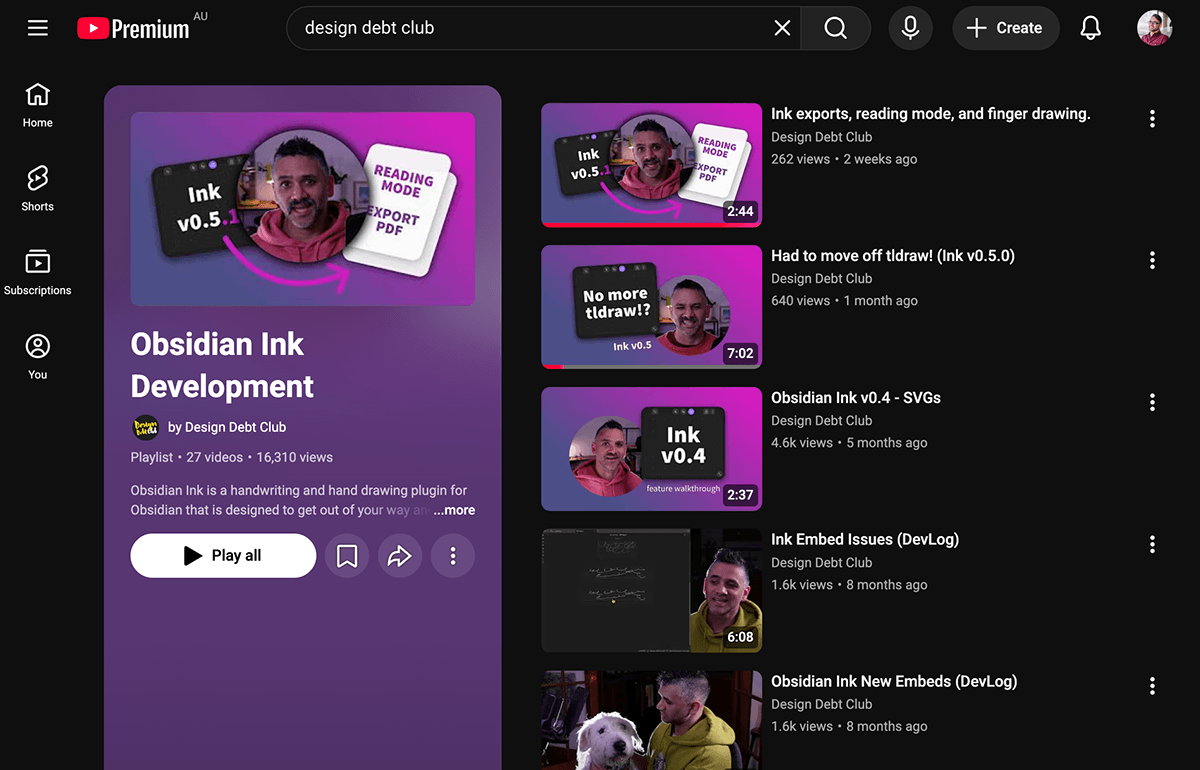
As with many of my projects, I like to build in public. This has seen me create many devlogs for Obsidian Ink on YouTube and scale to 500,000 downloads.
YouTube Development Diaries
My original project can be seen here on GitHub.