Concept to Development
Concept to Development General Process Highlights
The images and descriptions below describe the process I often take when building a project from the conceptualisation stage all the way to development.
While each project is different, many of these stages are usually addressed in some way by someone in the team. Many of the examples used below, however, were prepared by myself, or championed and guided by me as the Design Lead.
Brainstorming Sketches
Pure discussion often means that what one team member describes can easily by misinterpreted by others. To combat this, a continual habit of quick sketching helps confirm meanings and ideas being discussed so that everyone is aligned.
Even for the visual thinking, creating and iterating visuals is an important part of the process that reveals consequences and impossibilities that can easily go unnoticed.
When conceptualising a project, both for initial understanding or for consideration of approach, I often create copious amounts of sketches. I work entirely digitally with an iPad and stylus in OneNote or Obsidian using tools like Excalidraw or tldraw. These tools encourage quick and rough sketching while remaining flexible and fast for easy iteration.
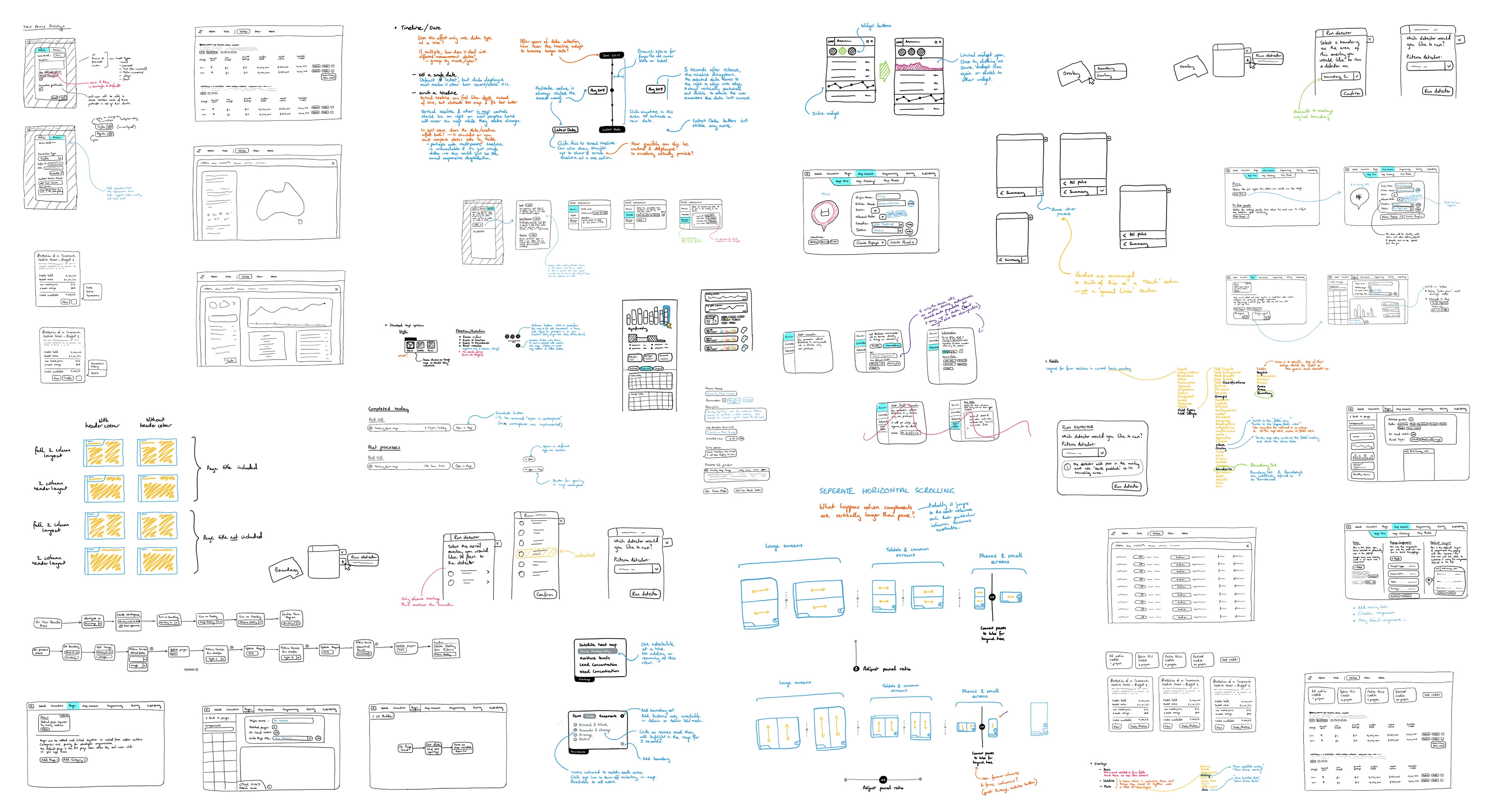
Below is a small collated sample of brainstorming from a mix of two products.
Refined Sketches & Starter Documentation
While it’s important to remember that initial concepts should be poked and prodded and confirmed through UX studies to meet user needs, often developers and other product team members need a best guess as to the potential approach, or simply documentation for some conceptual understanding of the product—So they can begin high level planning and considering architectural implications.
This rough documentation also helps the whole team achieve better alignment of a founders initial vision (In the startup world) and creates a resource for new hires to achieve strong conceptual understanding quickly.
Below is a selection of sketches which have been further refined for embedding in initial documentation.
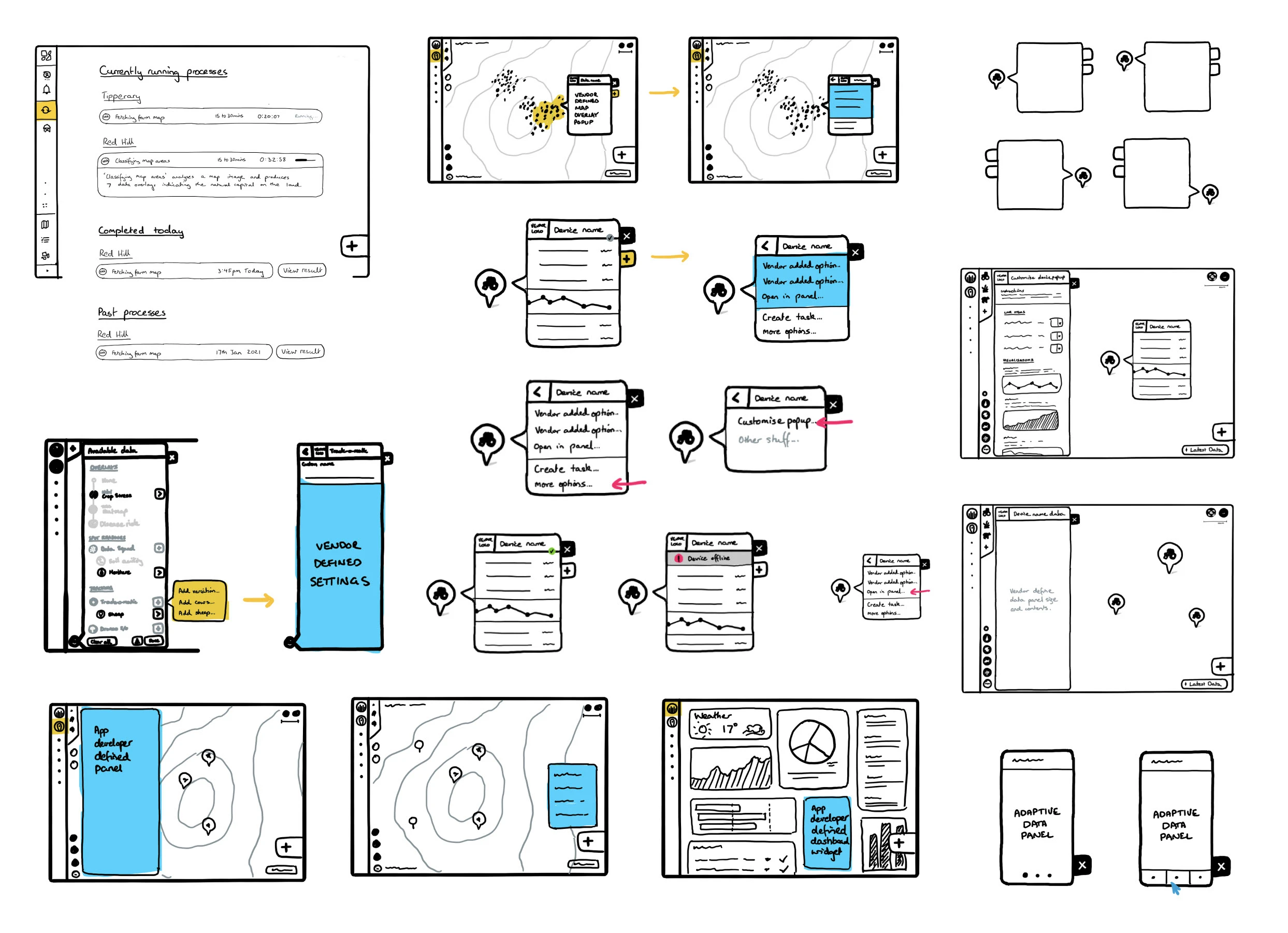
The sketches are refined to meet the specific needs of the documentation and any immediate needs of communication or alignment.
These sketches and documentation, while helping with initial alignment, and can sometimes even be sufficient for small, quickly iterating development teams. They can also act as a way to unblock development teams with the “best guess” ideas while further user research and design is performed.
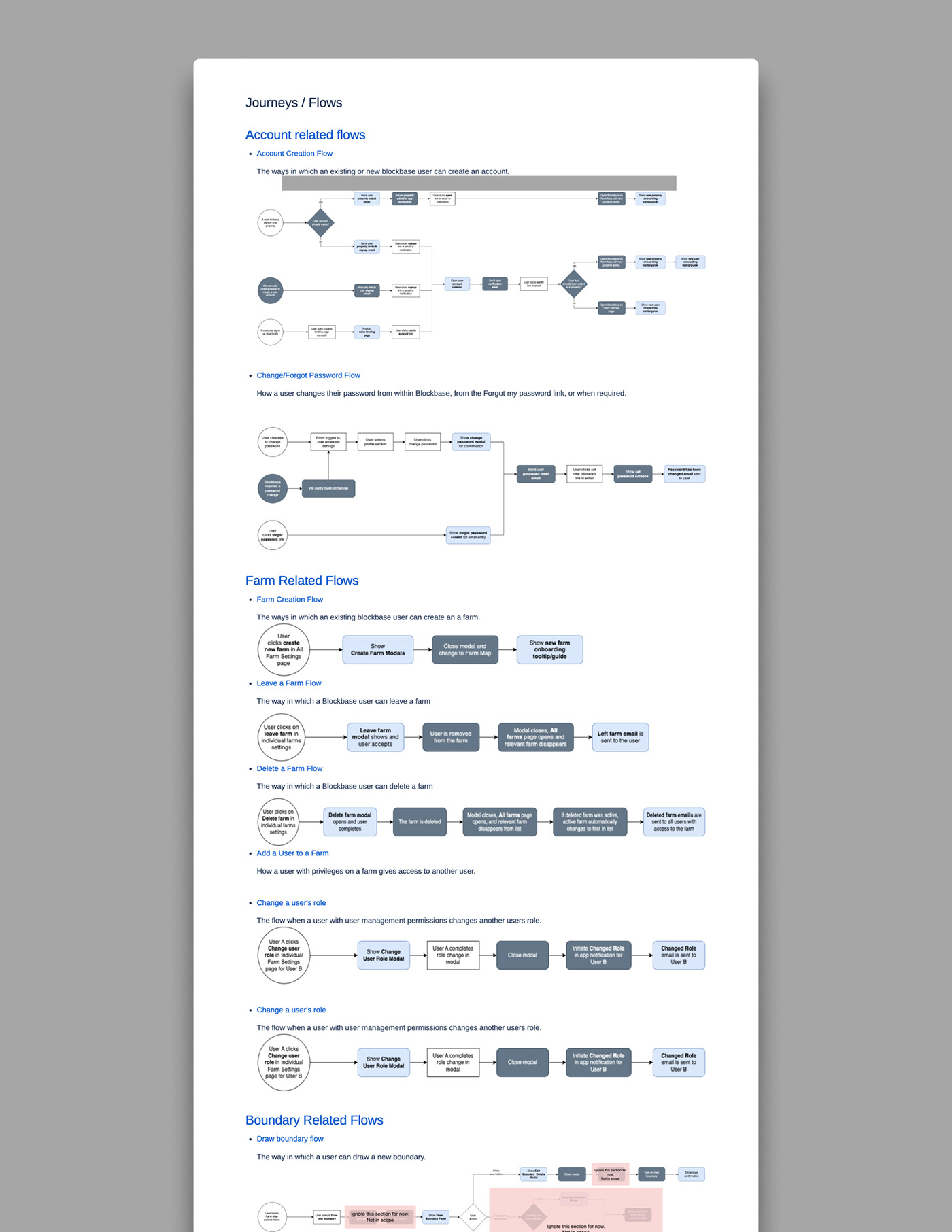
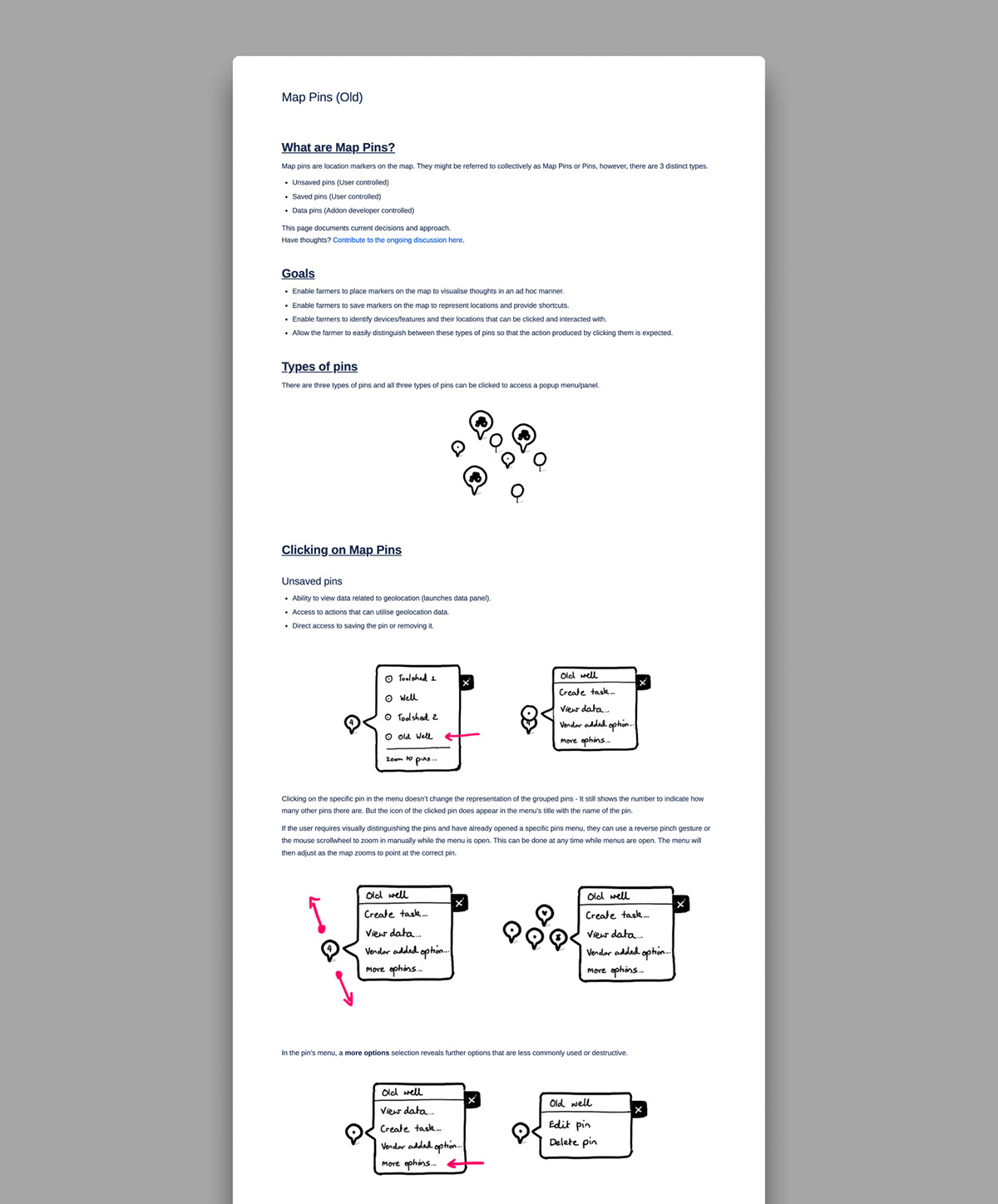
Below are some screenshots of initial documentation including refined sketches.
Design Sprints & Research
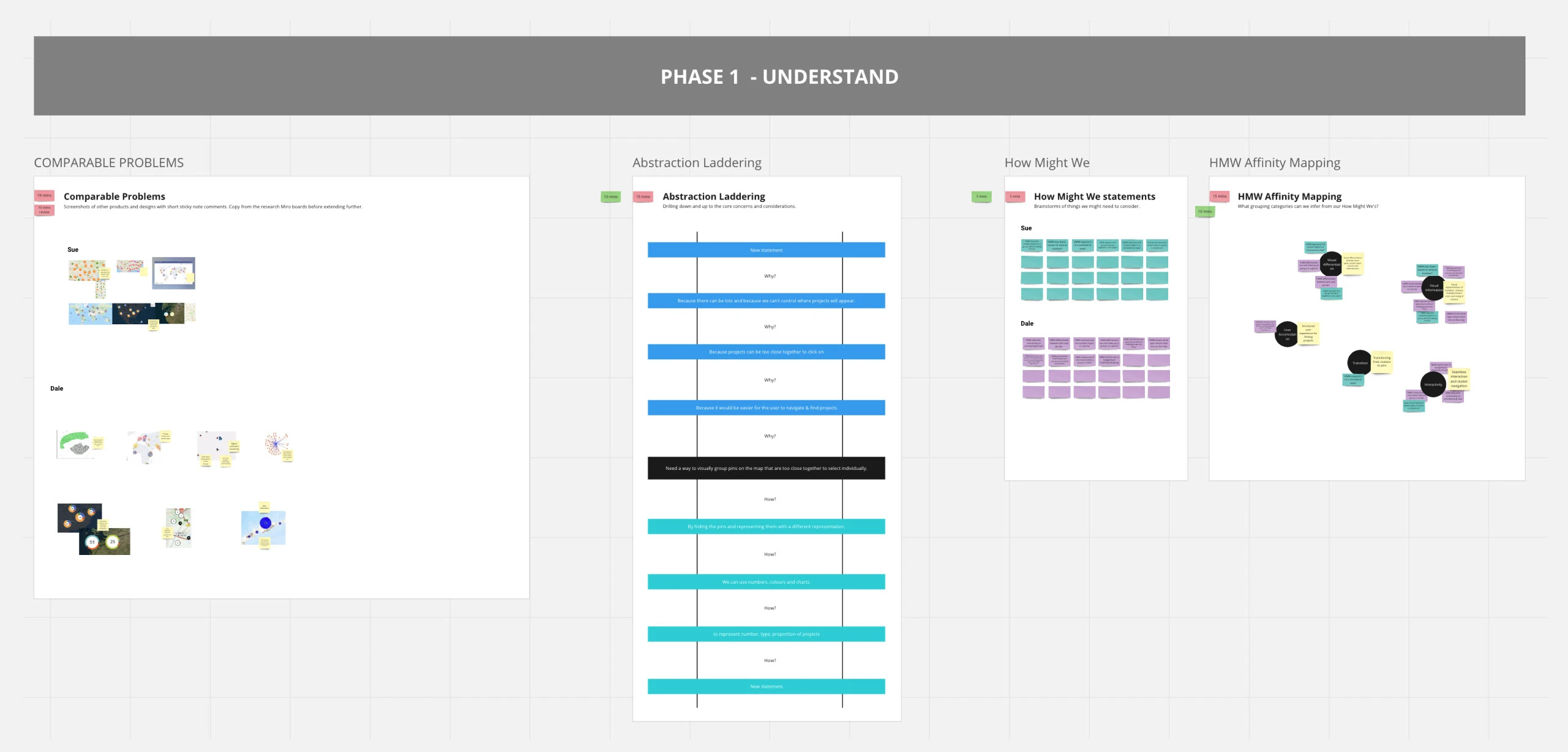
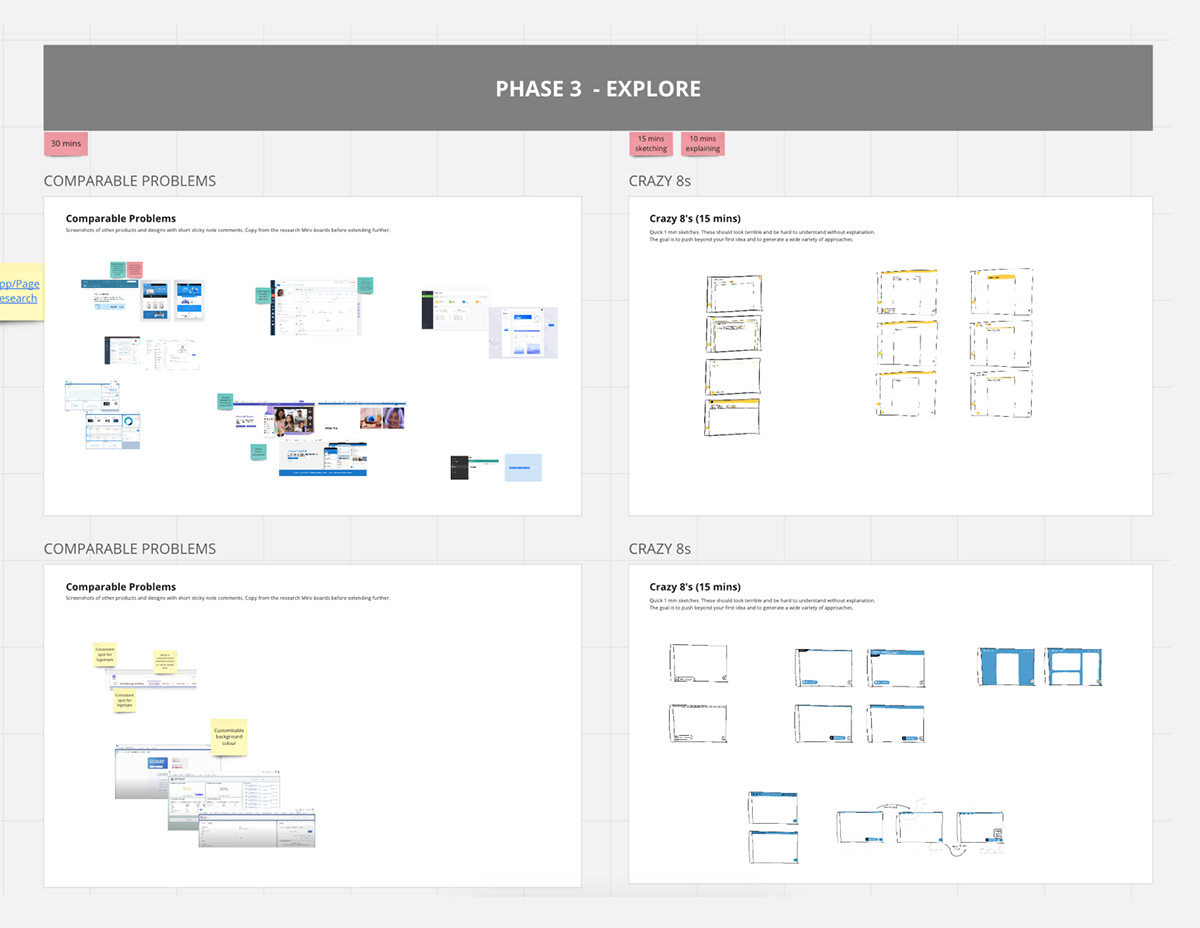
In larger teams and more complex products, early design sprints allow the product and design team to dive deeper into research, consider a range of potential approaches, uncover internal assumptions, and plan for any necessary usability research.
Below are samples from some half day design sprints, including some completed and unfilled templates I use.
Tests & Iterations
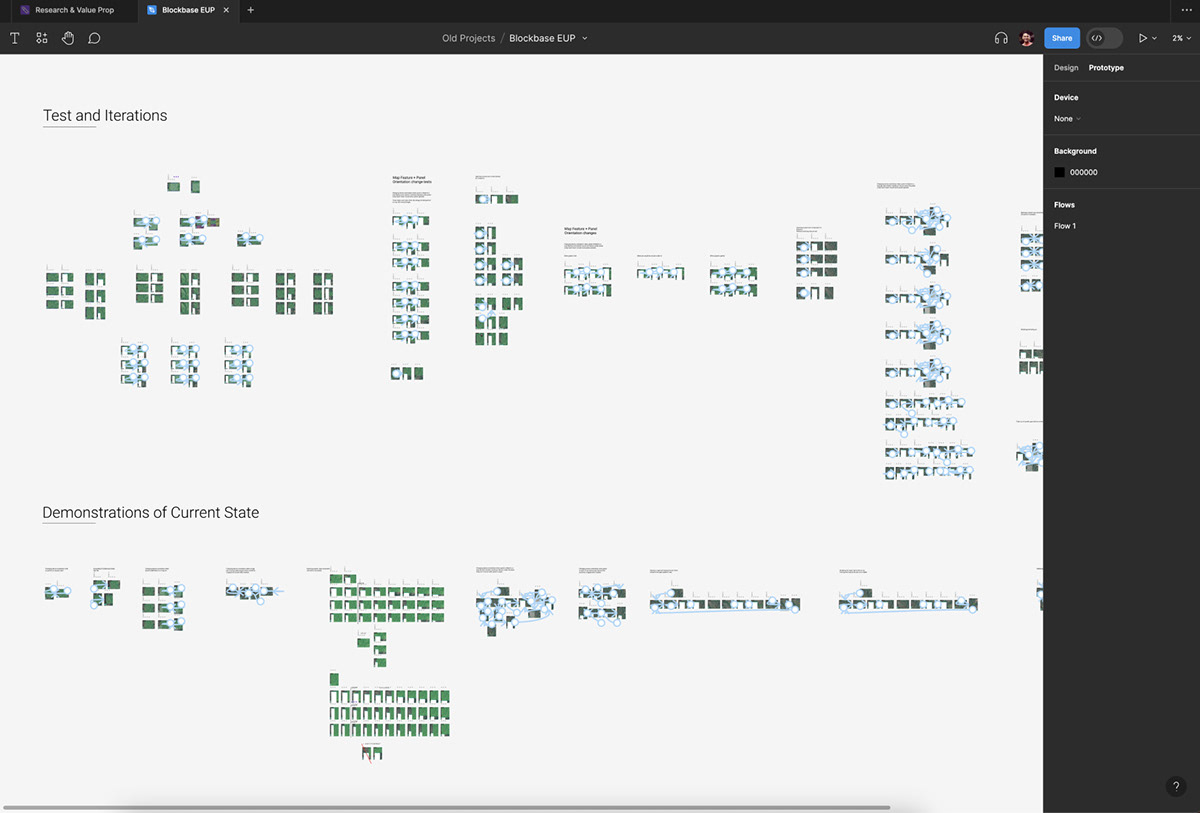
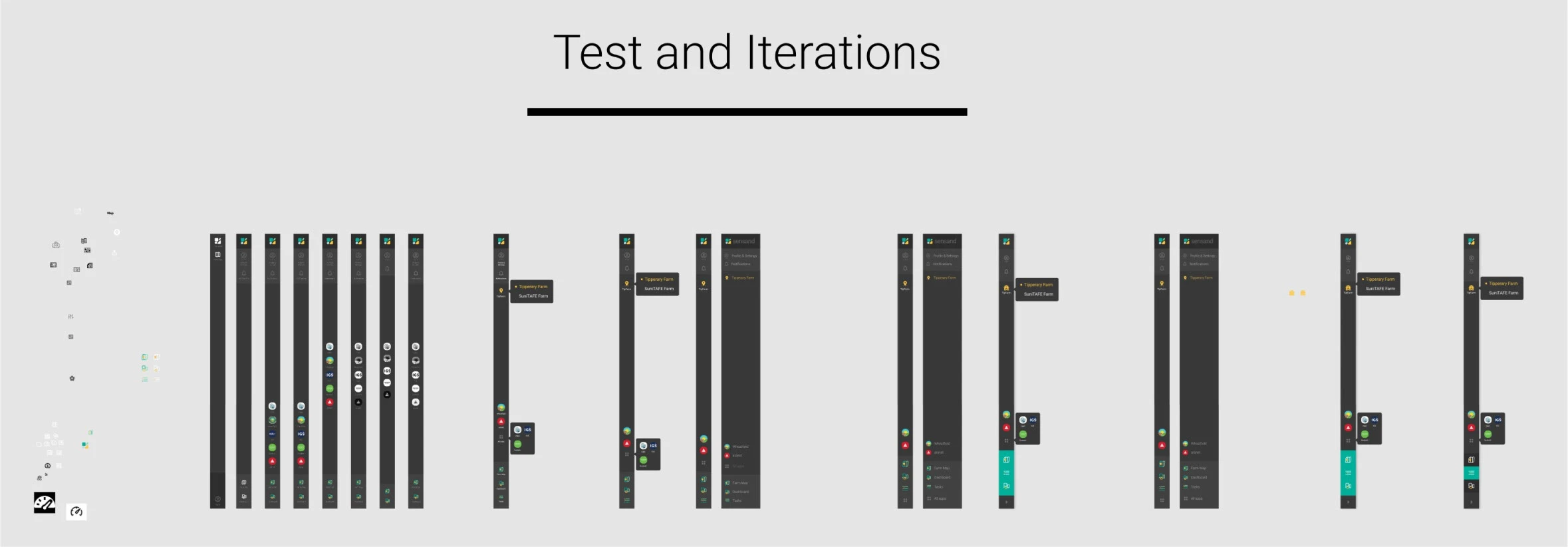
While it’s easy to jump straight into usability testing with initial designs, playing with designs in your prototyping tool often uncovers many low hanging UX issues quickly. It also means that when external usability studies are conducted, any deeper issues are more likely to be uncovered and potential solutions are less likely to stopped by false negatives that refinement could have avoided.
Below is a small selection of tests and iterations I conducted on one product. From uncovering and exploring navigation, transition, and loading implications, to content layout tests, as well as navigation bar approaches.
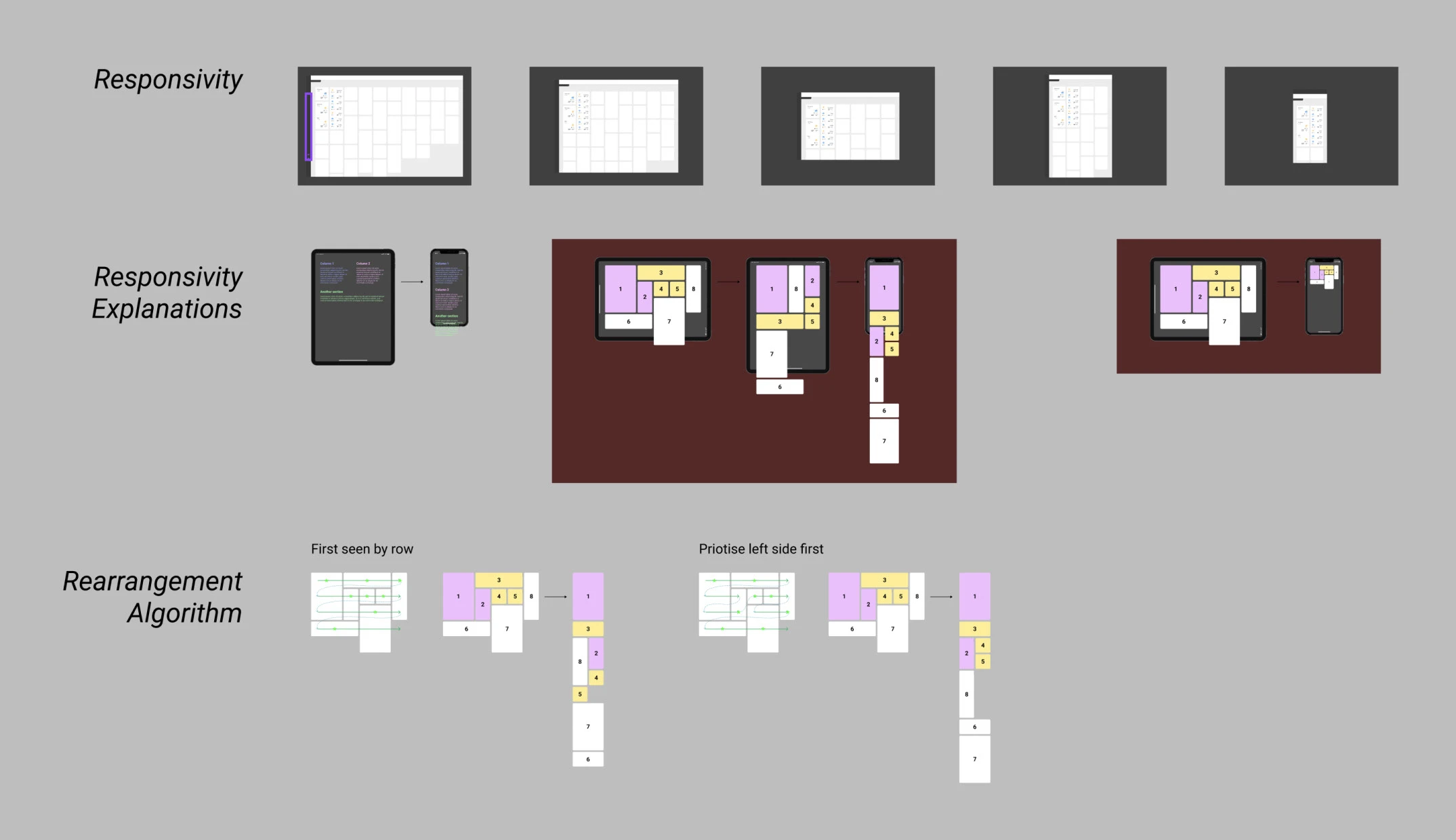
While there are many inconsequential design choices that can be redesign later if necessary, when designing for platforms and foundational ecosystems that will themselves facilitate the building of other features and products on top, design choices can create technical or design lock-in that must be considered alongside broad user needs.
The below screenshots show tests around dashboard widget sizing and responsive layout approaches, as well as overlay types in a GIS platform (Geographic Information System).
Component Library
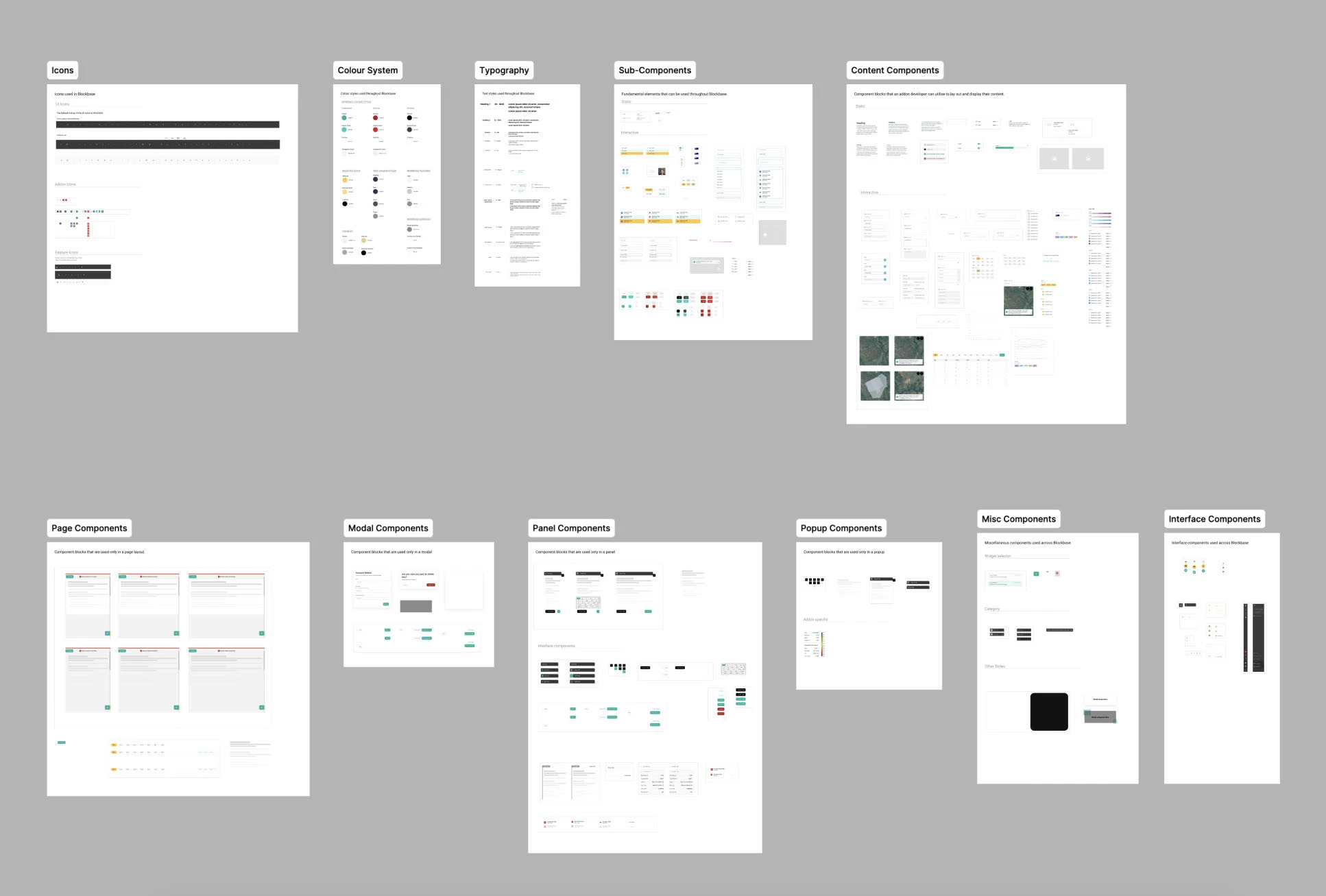
Whether long-term or short-term components are needed, design system system techniques should occur from the very beginning. While it’s easy to believe this adds a level of overhead that slows down the team, often this kind of approach can start saving time on the very first day—When you realise you need to adjust something fundamental and everything else is built to adapt.
This doesn’t mean the design system and component library are laid out neatly or made available to others in the team, but the foundational setups should be evolving from the start so that the cleanup can come later.
Below is an example of one of our component libraries in Figma.
Documentation
As the design system matures and long term components exist for previously documented sketches, the documentation is also refined to maintain up to date details necessary for implementation and QA.